
Aug 3
View settings button issue
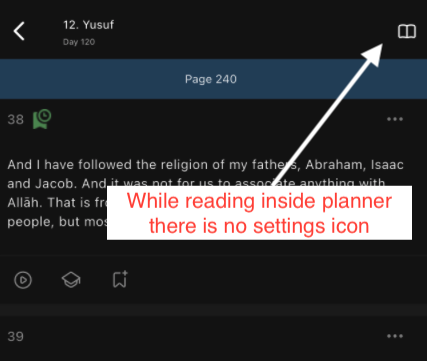
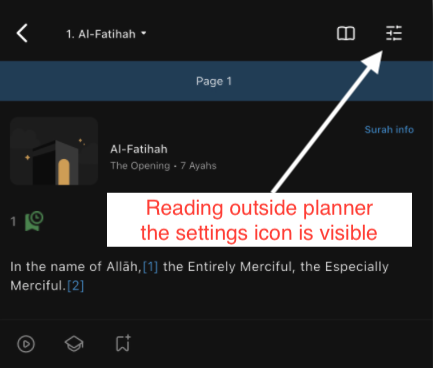
Assalaamu'alaikum.I found an issue which is very important after the latest update where the 'View settings' icon at the top right is missing while reading in planner but is available while reading outside planner. See attached screenshots. I am now stuck in translation view only in planner.Device: iPhone 16 Pro maxiOS: 26.6Kindly fix the bug.Jazaak Allah Khair
Pending
Facing this same issue also in Android too. Don't see the settings icon in planner tab. https://photos.app.goo.gl/oUuE8hdzndfHBMBP7