Al Quran - Tafsir & By Word

Sidebar Translation Inaccessible

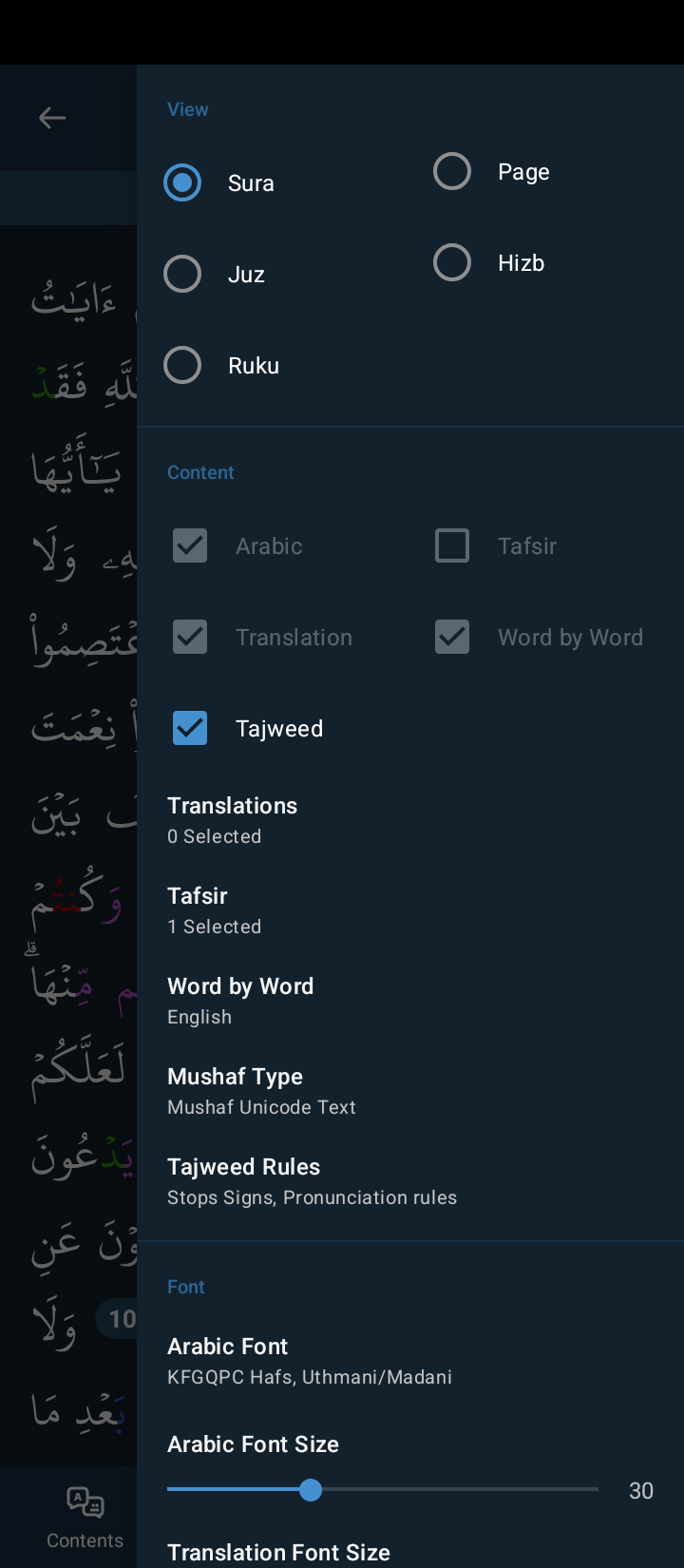
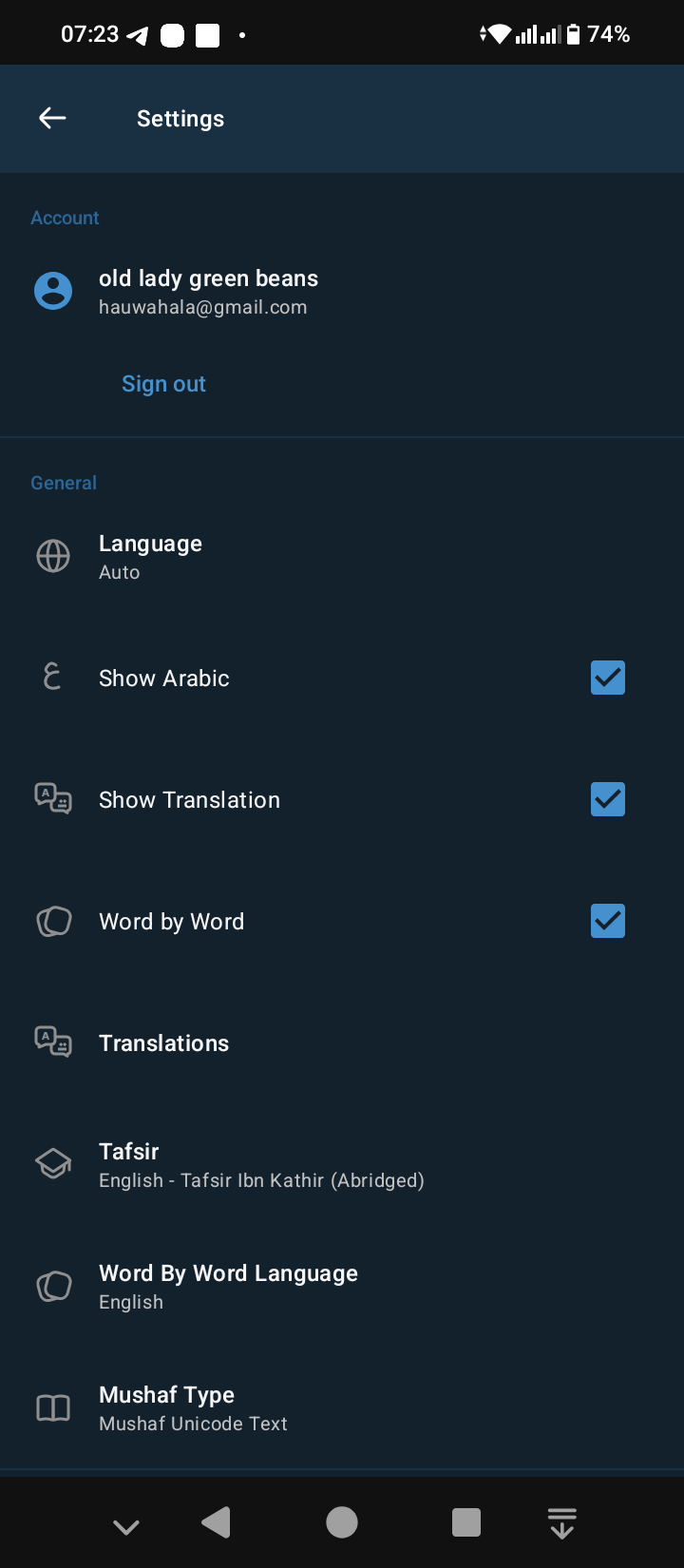
I can't access translation from the sidebar anymore. About three days ago, I entered my App and my translations and tafsir were gone, even though my show translation option is on. I had to select them again. I was able to do that from the sidebar for Tafsir but I wasn't able to for translation. I had to go all the way to settings.

  • img/0bbolxhf3iegw3p3p9s3hj50
  • img/3ccvsdmi8hkfpz0id43ojuc6
  • img/kuqojpi2ucjgtr3z7wdgizwi

1 comment

  1. Assalamu alaikum hauwa,

    The checkboxes are grayed out because you're reading the Quran in mushaf mode. Once you change it to reading mode those checkboxes will be activated again. Check the following image out, you have to tap on the marked button to change reading modes.

    Also, you can read this blog post for getting a clear idea of our mushaf mode - [link to blog post](https://gtaf.org/blog/mushaf-mode-in-quran-app/)

    • img/8m6mf4gfzldx1hkhybh3xryu