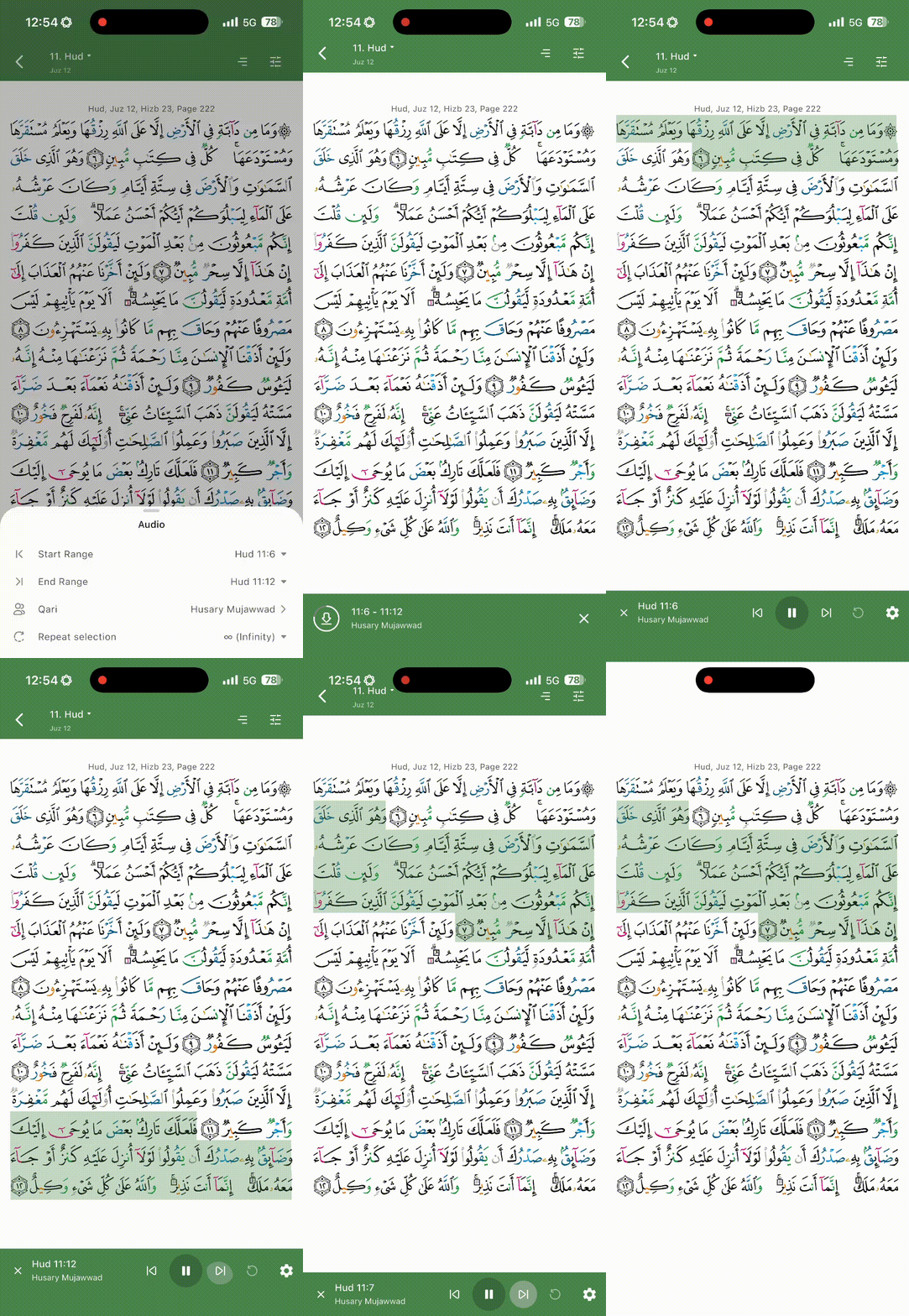
Currently, the navigation menu auto-hides automatically while playing a Surah, even when actively clicking the arrows to skip verses. This creates significant friction for users who prefer manual control over the UI.
Proposed Solution:
Sticky Menu Toggle: Add an option in Settings to disable "Auto-hide menu."
Manual Dismissal: Adopt a "tap-to-hide" or "tap outer boundaries" interaction model, which is standard in most media and reading applications.
Why this matters:
The current behavior forces the user to keep re-triggering the menu during active study or navigation. Additionally, reducing non-essential popups (like streak reminders) would greatly improve the focus-oriented nature of the app.